


That’s not a tablet – now that’s a tablet! The Crocodile Dundee reference shows that what you think is big for a tablet is nothing compared to the massive Samsung Galaxy Tab S8 Ultra with its 14.6-inch display.
Samsung is not backward in coming forward with its products – it has boldly released superb TVs, powerful and folding smartphones and a projector you can take anywhere.
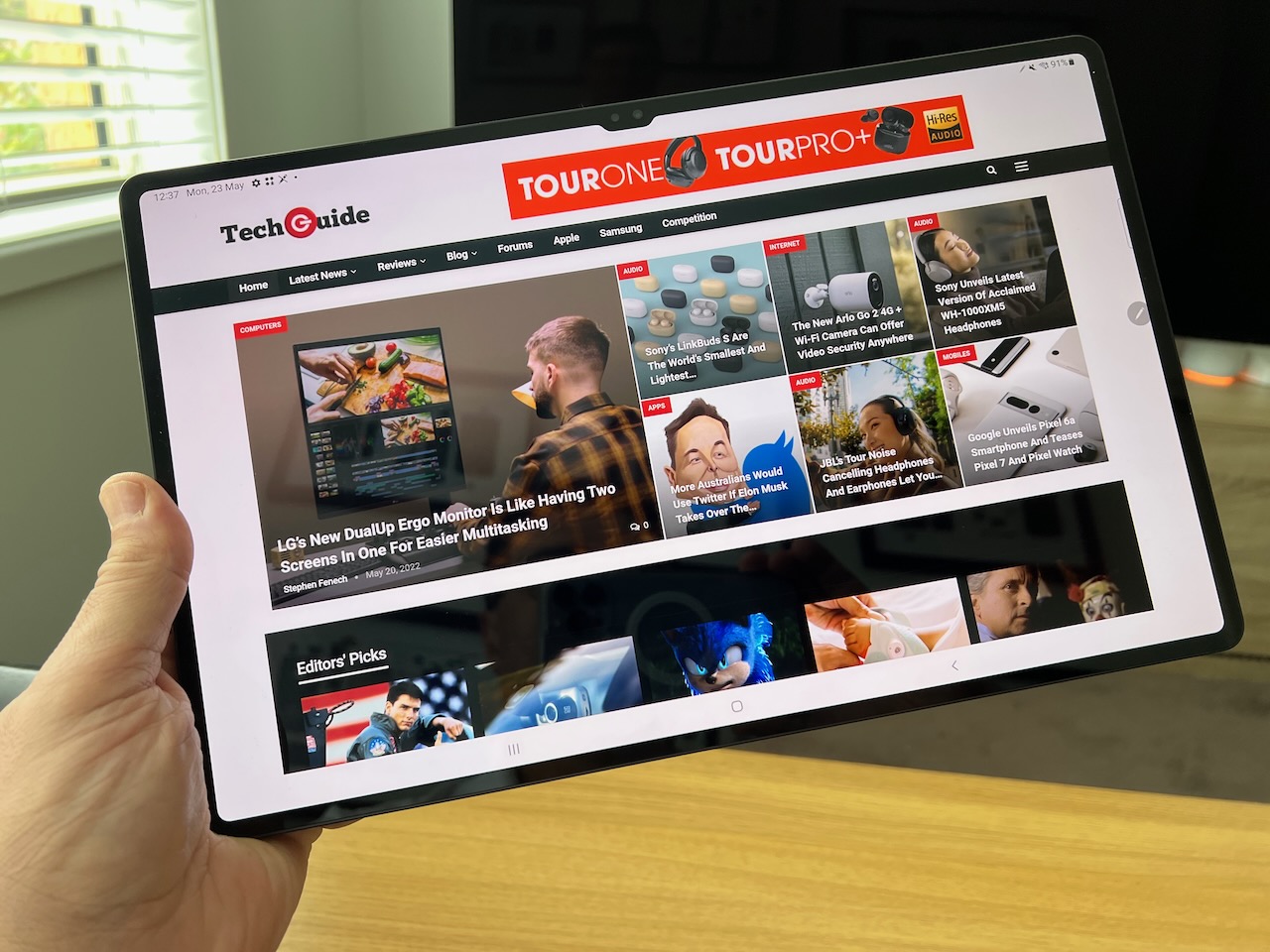
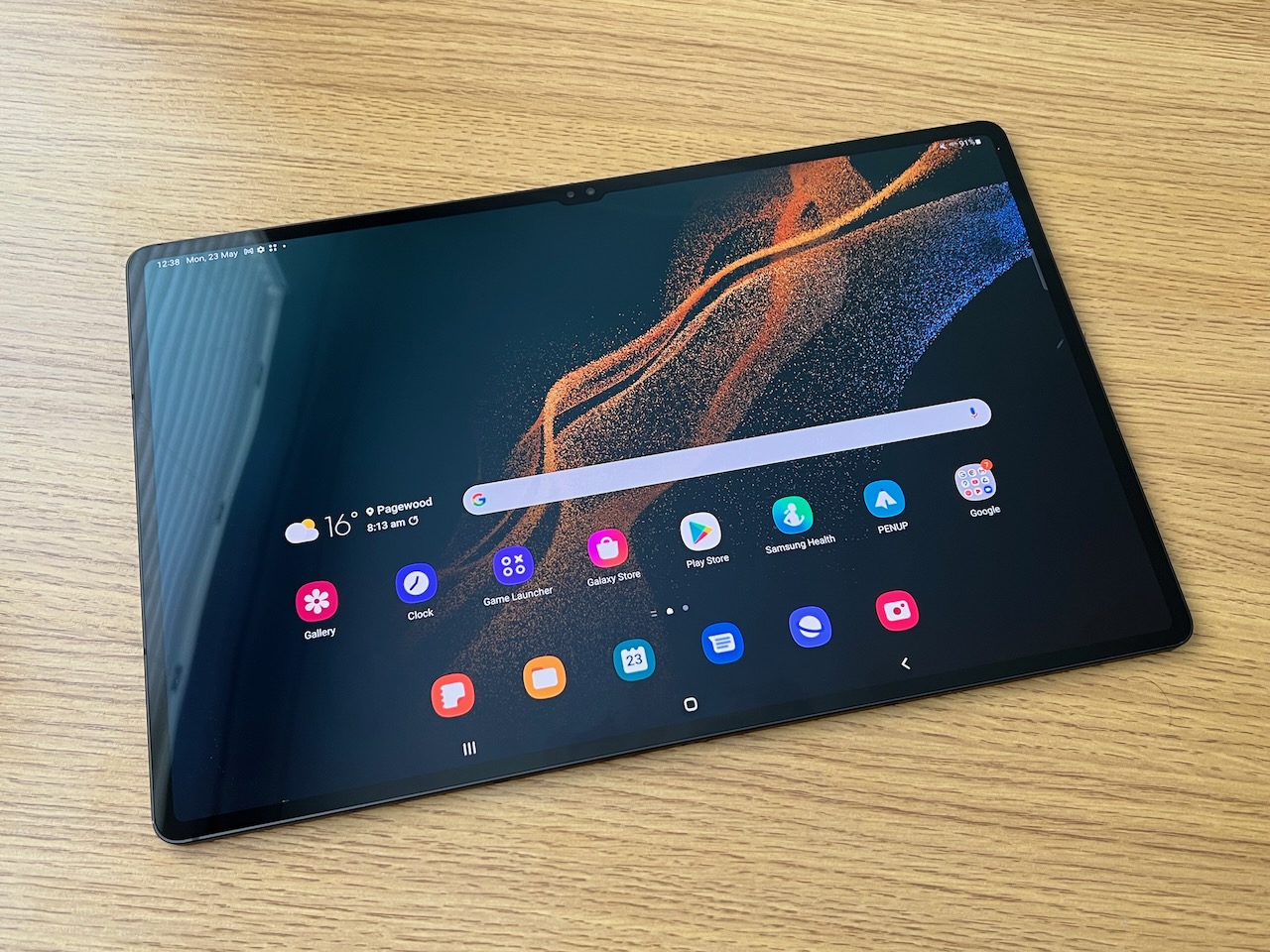
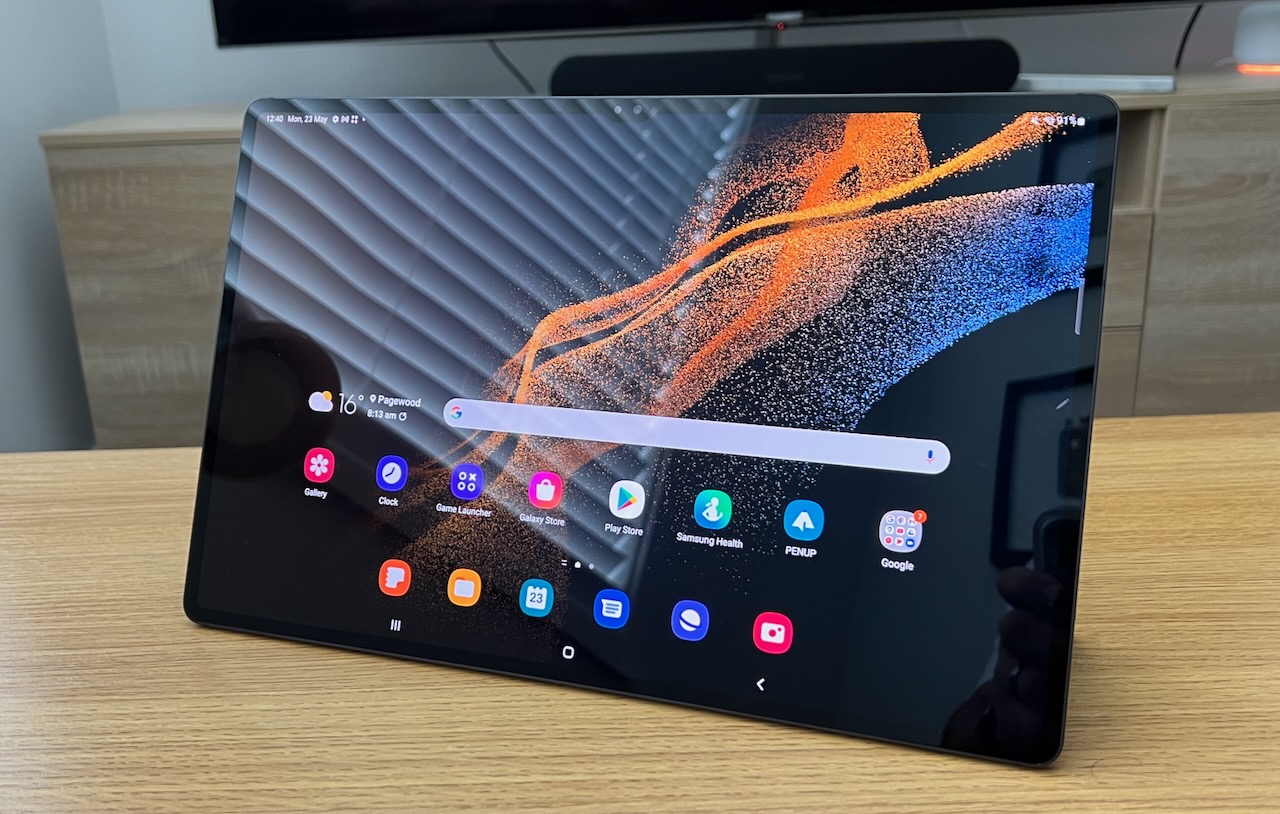
This time out the Samsung Galaxy Tab S8 Ultra is also swinging for the fences with its remarkable size which includes that stunning 14.6-inch Super AMOLED 120Hz display with a resolution of 2960 x 1848 and a colour depth of 16 million colours.
The first thing you need to get used to is the sheer size of the device.
The Galaxy Tab S8 Ultra is 32.6cm wide, 20.9cm tall and 5.5mm thick so it’s in the same ballpark as a laptop computer – only a lot thinner and lighter.
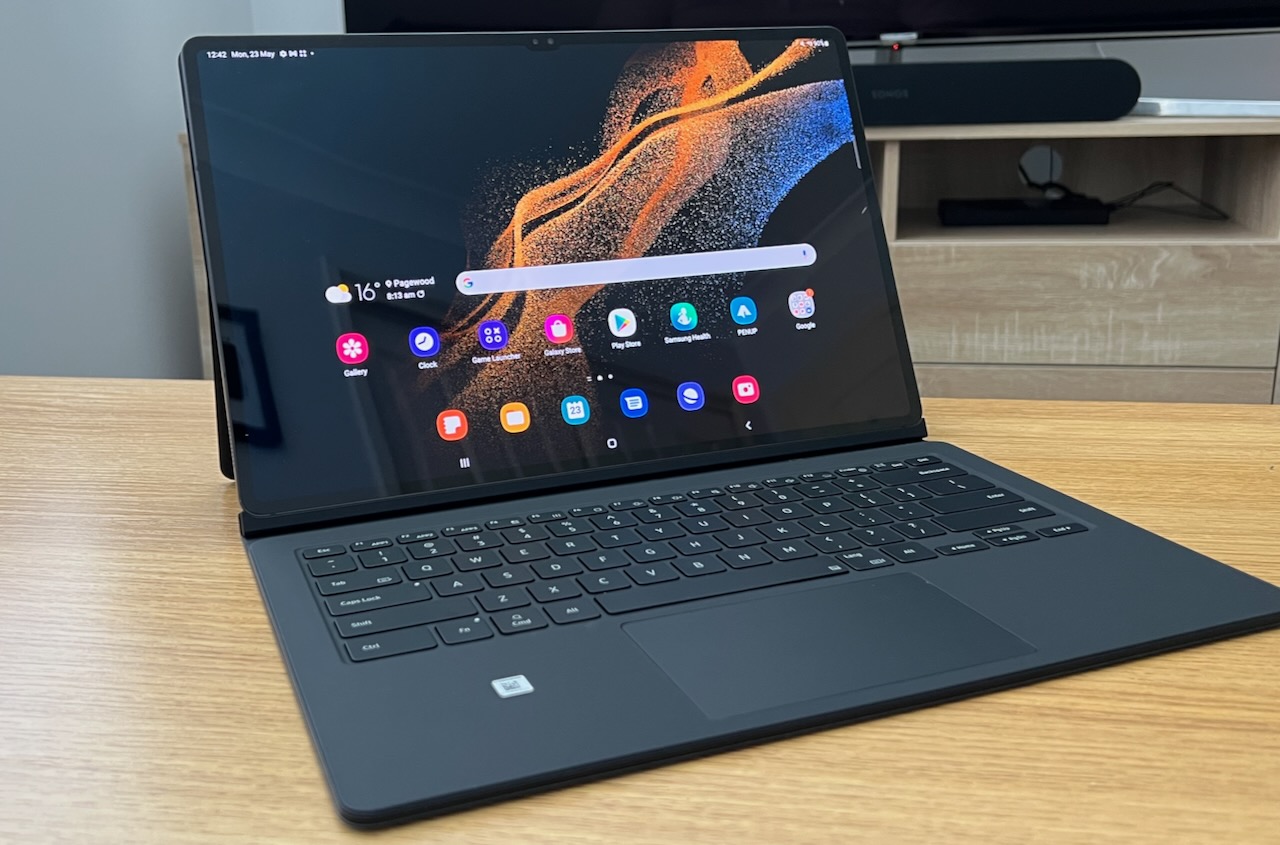
And with the addition of the keyboard cover (which is how we reviewed it) it really does become a viable laptop alternative.
The screen has thin bezels so you’re mostly looking at the display which has a 16:10 aspect ratio so it’s OK for work and play.
When watching video content, the picture has excellent black levels and warn natural colours.
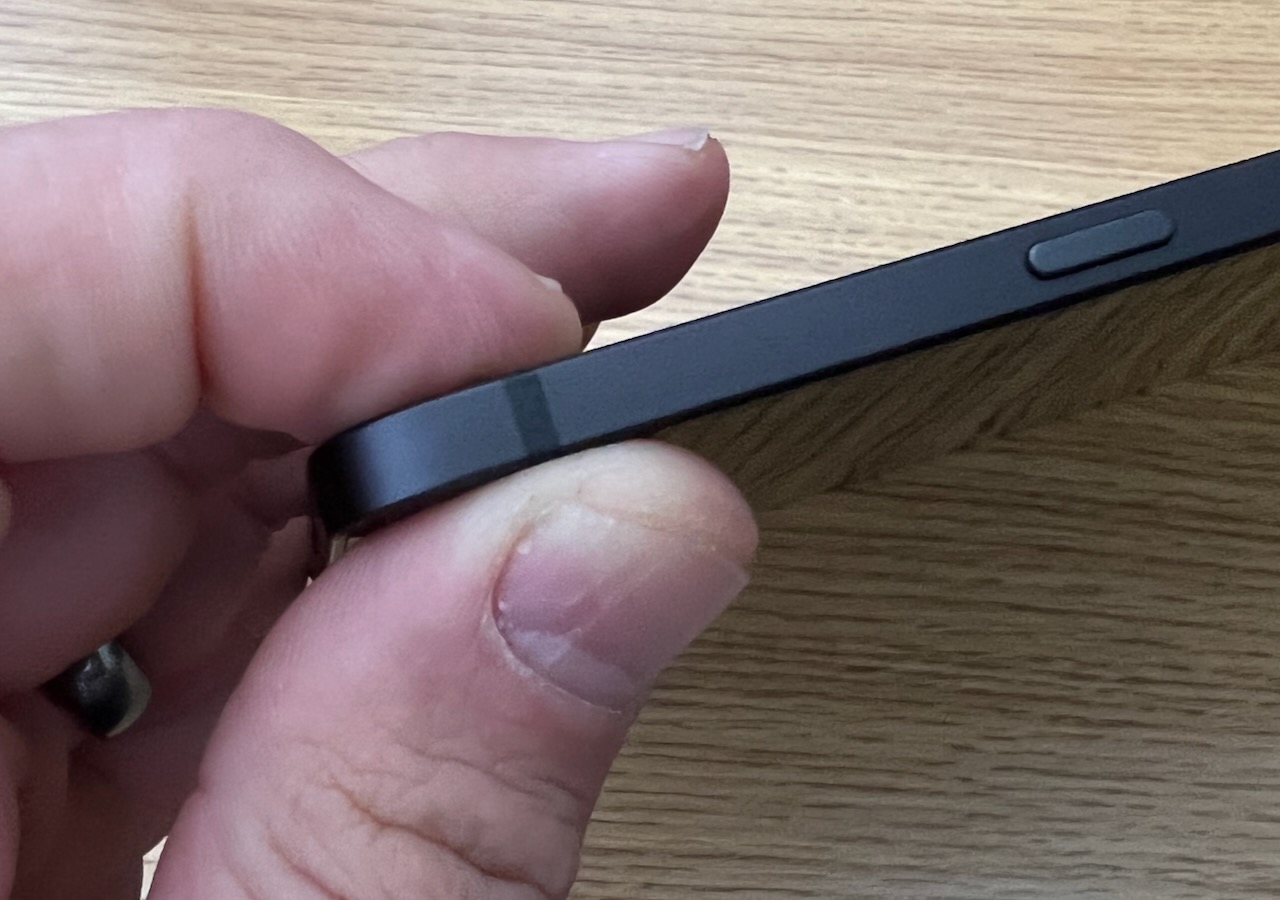
Another really impressive feature is how thin the tablet is at just 5.5mm.
But there were no concerns about the strength of the Tab S8 Ultra – the build quality was excellent and, despite the supermodel thin dimensions, it didn’t ever feel flimsy.
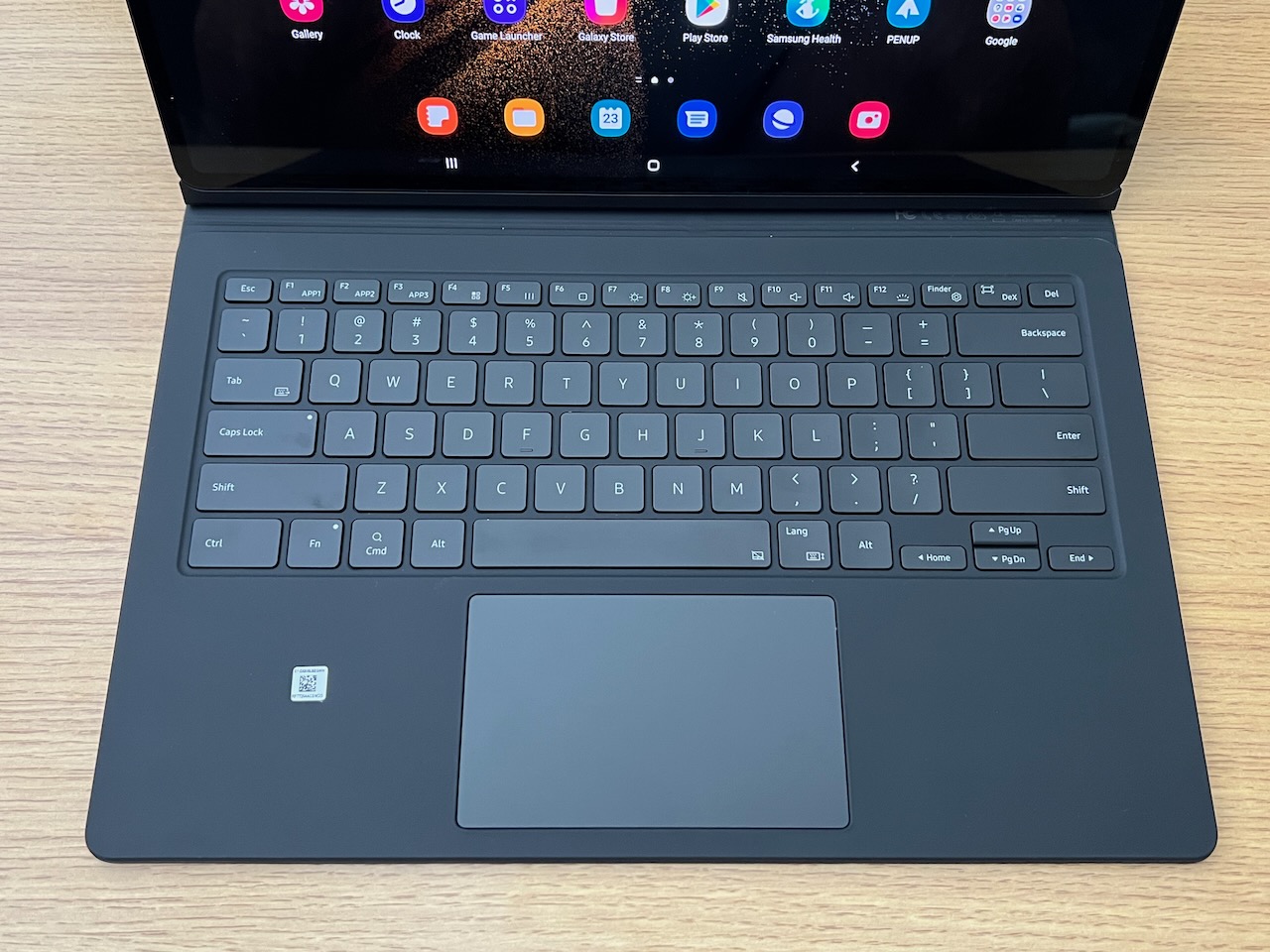
The Book Cover Keyboard (available to purchase separately) doesn’t add much bulk to the already thin tablet and makes it possible to use the Tab S8 Ultra more like laptop while still offering the touchscreen and an S Pen (which comes in the box) as additional ways of interacting with the system and your content.
The Book Cover Keyboard has a panel for the back of the tablet which allows you to store the S Pen and had a kick stand to position the tablet at a comfortable angle.
The keyboard attached magnetically to the bottom edge of the Tab S8 Ultra and it has nicely spaced keys and a trackpad to make even more laptop-like.
It’s certainly worth paying for the Book Cover Keyboard to really get the most out of even though the tablet is still quite functional.
Under the hood, the Samsung Tab S8 Ultra has 8GB RAM and up to 256GB of internal storage and a microSD card slot to expand that even further.
On the camera side there’s a 13-megapixel and 6-megapixel rear cameras and two front 12-megapixel cameras which can be used for video calls and video meetings.
There’s an in-screen fingerprint display which worked well most of the time. There were times when it didn’t recognise our registered fingerprint and we had to type in the passcode.
The tablet is running Android, which is designed mainly for mobile use, but you can still access Google applications like Gmail and Docs as well as Microsoft’s suite of applications.
But it’s not Windows and has its limitations with some apps not optimised to the larger display.
What you can do is with a screen of this size is split the screen and work on two apps at once.
What you also have in the advanced features of the settings is Samsung DeX which offers a Windows-esque environment.
We used this quiet a bit because it felt more like a computer workspace not a mobile phone.
For our review, we found battery life to be above average when we were using the Samsung Galaxy Tab S8 Ultra as our daily driver.
Samsung lists battery life as up to eight hours when connected to the internet or 5G and up to 14 hours watching videos.
For us we easily got through our workday with plenty of battery left and an overnight charge has us ready for the next day.
If you’re already in the Samsung ecosystem there are several advantages like being able to connect your Samsung smartphone to mirror the screen and swap files.
Now let’s talk price, the Samsung Galaxy Tab Ultra is not cheap – it starts at $1,799 (wi-fi only, 128GB). Adding 256GB memory and 5G takes the bill up to $2,199.
And that’s not including the Book Cover Keyboard which is an additional $499.
For that price you can certainly buy a decent laptop computer – but that’s all you get.
One thing the Samsung tablet offers is versatility – you can remove the keyboard and just use the kickstand when watching a movie – or you can have the tablet in your hands and take it wherever you want.
VERDICT
The Samsung Galaxy Tab S8 Ultra certainly demonstrates that bigger can mean better and it offers a lot of space for work and play and offer a quality experience for whatever you choose to do.


